Canon imagePROGRAF PRO-310
Announced in February 2025 to replace the PRO-300, and from the outside almost indistinguishable from it — the change is in the tanks. LUCIA PRO II puts wax in the pigment, so a finished print survives being handled, sleeved and posted, which is the failure that costs a sale rather than a sheet of paper; Canon rates the set for light-fastness up to 200 years. The Chroma Optimiser is reformulated as well. It is the clear ink laid over the print to even out gloss differential, the faint patchy sheen that gives away an inkjet photo held at an angle, and on glossy paper the difference it makes is visible. Photo black, matte black and a dedicated grey handle fine-art stock and monochrome. Panoramas now run to 1.8 metres. It is print-only, it is heavy, it is slow — over four minutes for a bordered A3+ — and it publishes no ISO page yields, so there is no cost per page here. Budget for the ink lost to maintenance if it sits unused between projects.
- Approx. price
- ~$849
A photographer or printmaker working on matte fine-art paper who wants archival pigment output at 13 × 19.
marks an estimate. Computed from the consumable's ISO page yield and its list price. An estimate. Purchase price plus ink or toner over the pages shown, assuming four mono pages for every colour page. Price is an approximate snapshot from our last catalogue update.
Specifications
Manufacturer-published figures. Cost lines are computed from the consumable figures above and are estimates.
- Approx. price
- ~$849
- Technology
- Thermal inkjet
- Ink system
- Individual cartridges
- Inks
- 10
- Ink subscription
- None offered
- Functions
- Document feeder
- None
- Paper capacity
- 100 sheets
- Max paper size
- 13×19
- Resolution
- 4800 × 2400 dpi
- Connectivity
- Wi-Fi · Ethernet
- Mobile printing
- AirPrint · Mopria
- Display
- 3.0" colour LCD
- Dimensions
- 25.2 × 14.9 × 7.9 in
- Weight
- 31.8 lb
- Released
- 2025
Features
- Ten-cartridge LUCIA PRO II pigment ink set, 14.4 ml PFI-5100 tanks
- Reformulated Chroma Optimiser that evens out gloss differential
- Wax in the ink for scratch resistance once a print is handled
- Photo black, matte black and grey for fine-art and monochrome work
- 13 × 19 borderless, with panoramas to 1.8 metres
- Flat path for thick fine-art media
- Wired Ethernet, Wi-Fi with WPA3, and a 3.0-inch colour LCD
In its favour
- The Chroma Optimiser removes the patchy sheen that gives away inkjet prints on gloss
- Pigment ink and a matte black make fine-art paper look right
- LUCIA PRO II resists scratching, which matters once prints are sleeved and shipped
- Ten inks including a dedicated grey for neutral monochrome
- Takes thick media through a dedicated flat path
- Panoramas up to 1.8 metres long
Against it
- Print only — no scanning, no copying
- Canon publishes no ISO page yields, so there is no cost per page
- Ten 14.4 ml cartridges to stock, and maintenance cycles consume ink if it sits idle
- Slow: a bordered 13 × 19 takes over four minutes
- Heavy and over two feet wide
- The most expensive machine in this catalogue
What owners say
Distilled from owner discussions and long-term published reviews
The pigment half of Canon's home photo fork, and the machine people buying a first serious photo printer tend to settle on once they have priced the PRO-1100 and measured their desk. Ten LUCIA PRO II inks, a matte black that makes cotton rag behave, and a clear Chroma Optimiser laid over the print to even out the sheen — that last is the feature owners describe as obvious the moment two prints are held together.
The complaints are consistent, and almost none of them are about print quality. It is slow, it is big, the 14.4 ml tanks are small enough that buyers do the arithmetic on cost per print first, and it loses ink to maintenance if it sits between projects. Owners printing scanned film also report having to work at the shadows: dense blacks block up and lose subtlety until soft-proofing and the right paper profile are in place.
What owners like
- The Chroma Optimiser evens out gloss differential, and owners holding two prints together say the difference is obvious
- Pigment ink and a proper matte black make fine-art paper look the way it is supposed to
- Owners who want archival output without the PRO-1100's footprint or price consistently land here
- Ten inks including a dedicated grey give monochrome work a tonal range dye printers cannot reach
- Takes thick media through a dedicated flat path, which owners printing on cotton rag rely on
Common complaints
- Slow. Owners who tried to use one for any kind of volume describe it as painstaking, and it is not the machine for that
- It occupies a lot of desk, and owners in small flats mention the footprint before anything else
- The 14.4 ml tanks are small for the price, and buyers work the per-print ink cost out before committing
- Maintenance cycles consume ink when it sits idle, and owners who print seasonally feel it
- Dense shadows need profiling work — owners printing film scans report blacks blocking up until soft-proofing is sorted
Questions that keep coming up
PRO-310 or PRO-1100?
What does the Chroma Optimiser do?
How much ink does it lose to maintenance?
Can it handle production volume?
Computed from the consumable's ISO page yield and its list price. An estimate. Owner notes are a summary of what people who own the machine report, not a test result — there is no lab behind this site.
Compare the PRO-310
Related printers
Canon PIXMA PRO-200S
- Mono page
- not sourced
- Colour page
- —
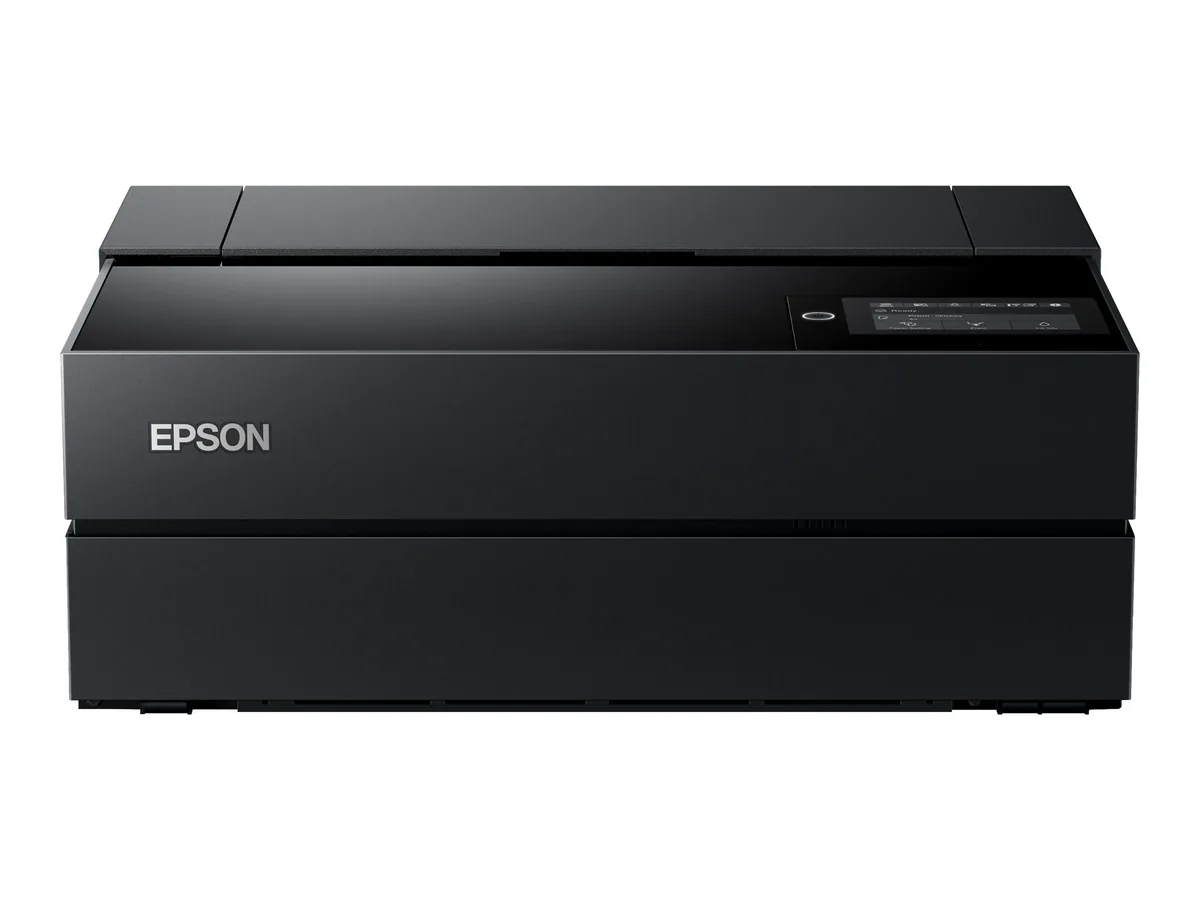
Epson SureColor P700
- Mono page
- not sourced
- Colour page
- —
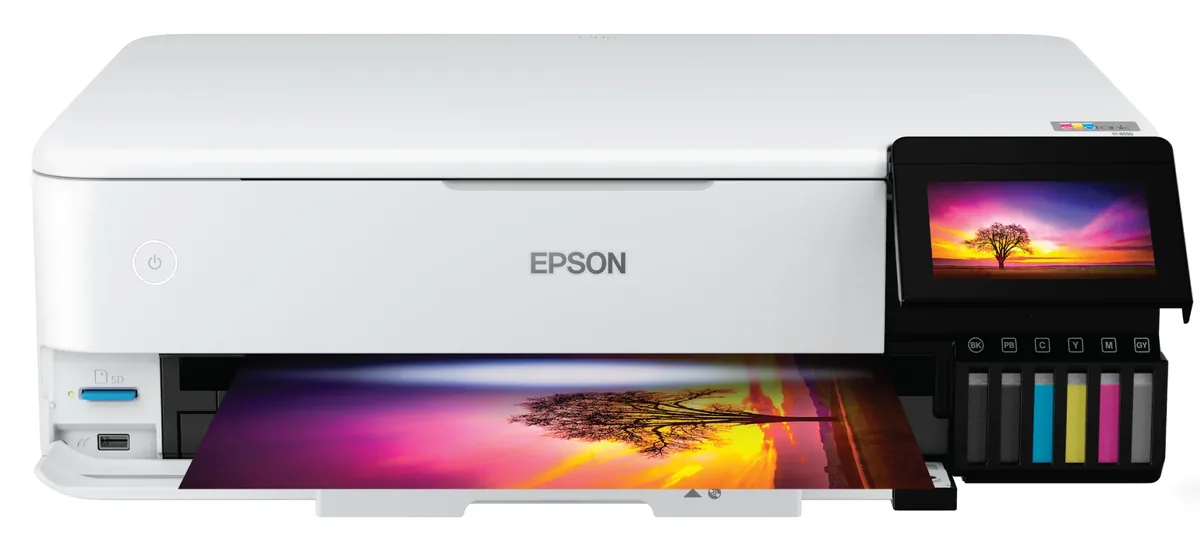
Epson EcoTank Photo ET-8550
- Mono page
- 0.30¢
- Colour page
- 1.1¢