Canon PIXMA PRO-200S
Canon replaced the PRO-200 in February 2025 with a machine that puts ink on paper in exactly the same way and talks to the network in a better one. The eight-cartridge ChromaLife 100+ dye set carries over unchanged, and dye stays the deliberate choice: on glossy and lustre stock it reaches a wider, more saturated colour range than pigment, with none of the bronzing a pigment set can show. What is new is a dual-band radio with 5 GHz, plus WPA3 and TLS 1.3 — unglamorous, and also the only reason to pay new-model money rather than hunt remaining stock of the old one, because a 13 × 19 print is a large file to push across a congested 2.4 GHz band. The trade-offs carry over intact too: dye prints behind glass are rated in decades rather than the century-plus claimed for pigment, and matte fine-art paper is not where dye looks its best. Canon publishes no ISO page yields for the CLI-65 set, so no cost per page appears here; on a photo printer the honest figure is cost per print, and that depends on the paper.
- Approx. price
- ~$649
A photographer printing glossy and lustre colour work at home who values saturation and speed over archival rating.
marks an estimate. Computed from the consumable's ISO page yield and its list price. An estimate. Purchase price plus ink or toner over the pages shown, assuming four mono pages for every colour page. Price is an approximate snapshot from our last catalogue update.
Specifications
Manufacturer-published figures. Cost lines are computed from the consumable figures above and are estimates.
- Approx. price
- ~$649
- Technology
- Thermal inkjet
- Ink system
- Individual cartridges
- Inks
- 8
- Ink subscription
- None offered
- Functions
- Document feeder
- None
- Paper capacity
- 100 sheets
- Max paper size
- 13×19
- Resolution
- 4800 × 2400 dpi
- Connectivity
- Wi-Fi · Ethernet
- Mobile printing
- AirPrint · Mopria
- Display
- 3.0" colour LCD
- Dimensions
- 25.2 × 14.9 × 7.9 in
- Weight
- 31 lb
- Released
- 2025
Features
- Eight-colour ChromaLife 100+ dye set including grey and light grey
- 13 × 19 borderless, and custom lengths to 13 × 39 for panoramas
- Dual-band Wi-Fi with a 5 GHz radio, WPA3 and TLS 1.3
- Optimised for glossy and lustre photo papers
- 3.0-inch colour LCD
- Wired Ethernet alongside Wi-Fi
- A bordered 13 × 19 print in about ninety seconds
In its favour
- Dye ink on glossy paper reaches a wider colour range than pigment, with no bronzing
- Genuinely quick for a photo printer — a bordered 13 × 19 in about ninety seconds
- Two grey inks keep neutral tones under control
- Dual-band Wi-Fi and WPA3, neither of which the PRO-200 had
- Cheaper to buy than the pigment PRO-310 alongside it
Against it
- Dye prints are less fade-resistant than pigment; framing behind UV glass matters
- Not the printer for matte fine-art paper — that is the PRO-310's job
- Print only: no scanner, no copier
- Eight cartridges to keep in stock
- Canon publishes no ISO yields, so no cost per page can be shown
What owners say
Distilled from owner discussions and long-term published reviews
Buy this one for gloss. Among photographers printing at home the PRO-200S and the pigment PRO-310 are a fork rather than a tier: dye on glossy and lustre paper is more saturated, faster and cheaper, and it is what people producing volume for clients tend to reach for. Eight inks against the six in a photo tank printer is the other half of the argument, and it is why this keeps getting recommended over an EcoTank Photo to anyone who cares about colour range more than running cost.
Two things come up again and again from people who have just unboxed one. The first is banding — streaks and missing colour on the very first prints, usually an alignment and a nozzle check away from fixed, but an unpleasant surprise on a printer at this price. The second is paper: owners feeding 300 gsm and heavier card from the top tray get misfeeds, and the single-sheet manual path is the answer rather than a workaround.
What you give up against pigment is longevity and matte performance. Dye prints behind glass are rated in decades where pigment claims a century, and on matte fine-art stock dye does not have the same depth. Photographers selling framed work tend to end up with the pigment machine for that reason.
What owners like
- Eight inks reach a wider colour gamut than the six-ink photo tank printers owners cross-shop it against
- Owners printing glossy and lustre work describe dye output as more saturated than pigment, with none of the bronzing pigment can show
- Fast for a photo printer — a bordered 13 × 19 in about ninety seconds
- Two grey inks keep neutral tones under control in black-and-white work
- Custom lengths to 13 × 39 make panoramas possible at home
- Cheaper to buy than the pigment PRO-310 alongside it
Common complaints
- Banding and colour streaks on the first prints out of the box come up repeatedly; the advice owners give each other is to run the head alignment and a nozzle check before concluding anything is broken
- Heavy stock is the recurring trouble — 300 gsm and up misfeeds from the top tray, and the manual path takes one sheet at a time
- Matte paper catches owners out: work that looks superb on gloss comes back flat until the paper setting and profile are right
- Costs more per print than the photo tank printers it is cross-shopped against
- Eight small cartridges to keep in stock, and one empty stops the printer
Questions that keep coming up
PRO-200S or PRO-310?
Why is a brand-new one banding?
Will it feed 300 gsm card?
What actually changed from the PRO-200?
Computed from the consumable's ISO page yield and its list price. An estimate. Owner notes are a summary of what people who own the machine report, not a test result — there is no lab behind this site.
Compare the PRO-200S
Related printers
Canon imagePROGRAF PRO-310
- Mono page
- not sourced
- Colour page
- —
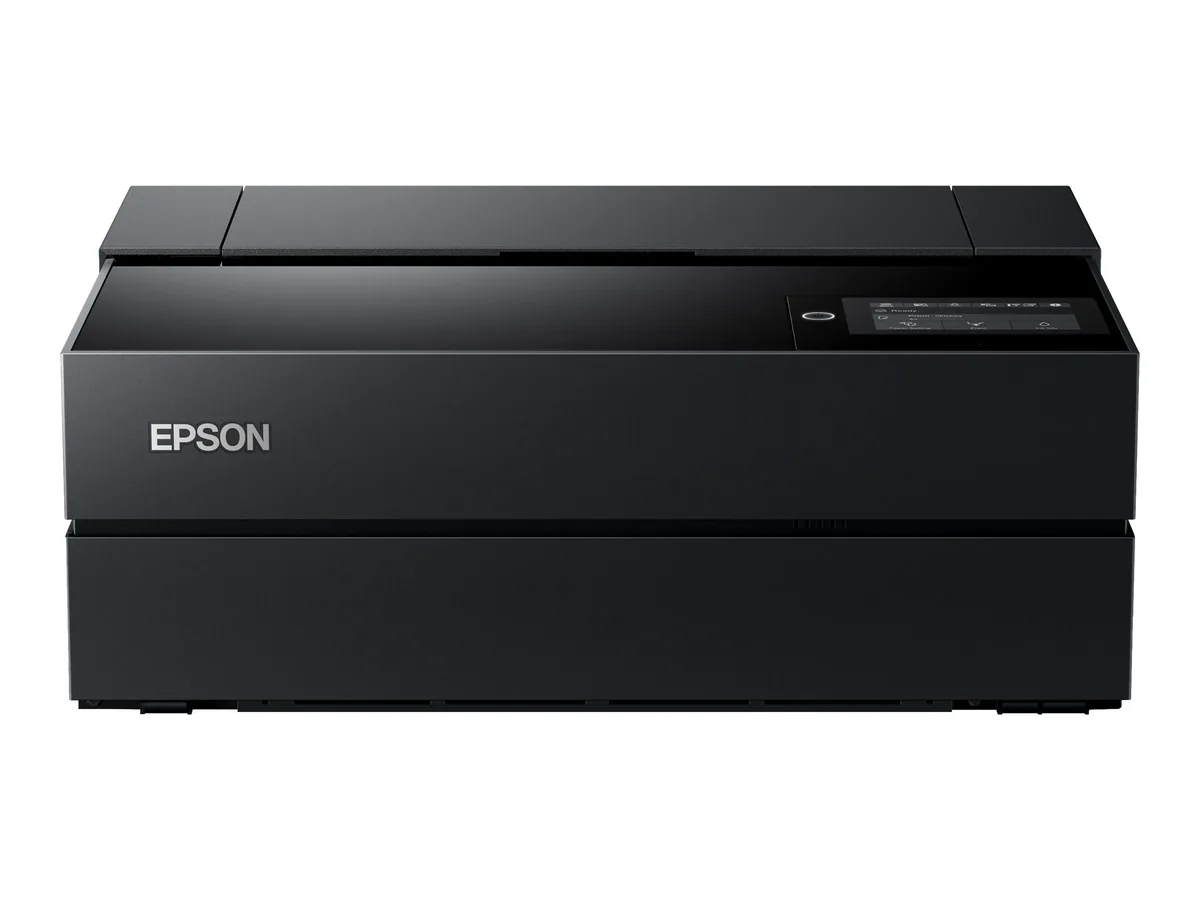
Epson SureColor P700
- Mono page
- not sourced
- Colour page
- —
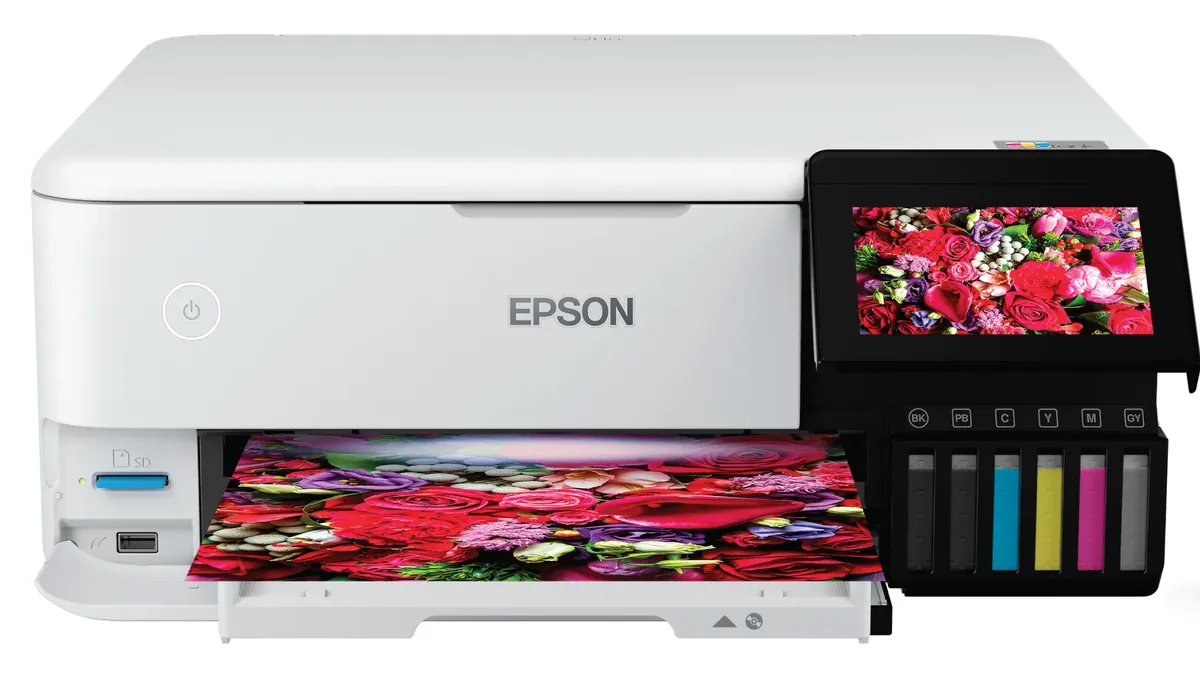
Epson EcoTank Photo ET-8500
- Mono page
- 0.30¢
- Colour page
- 1.1¢