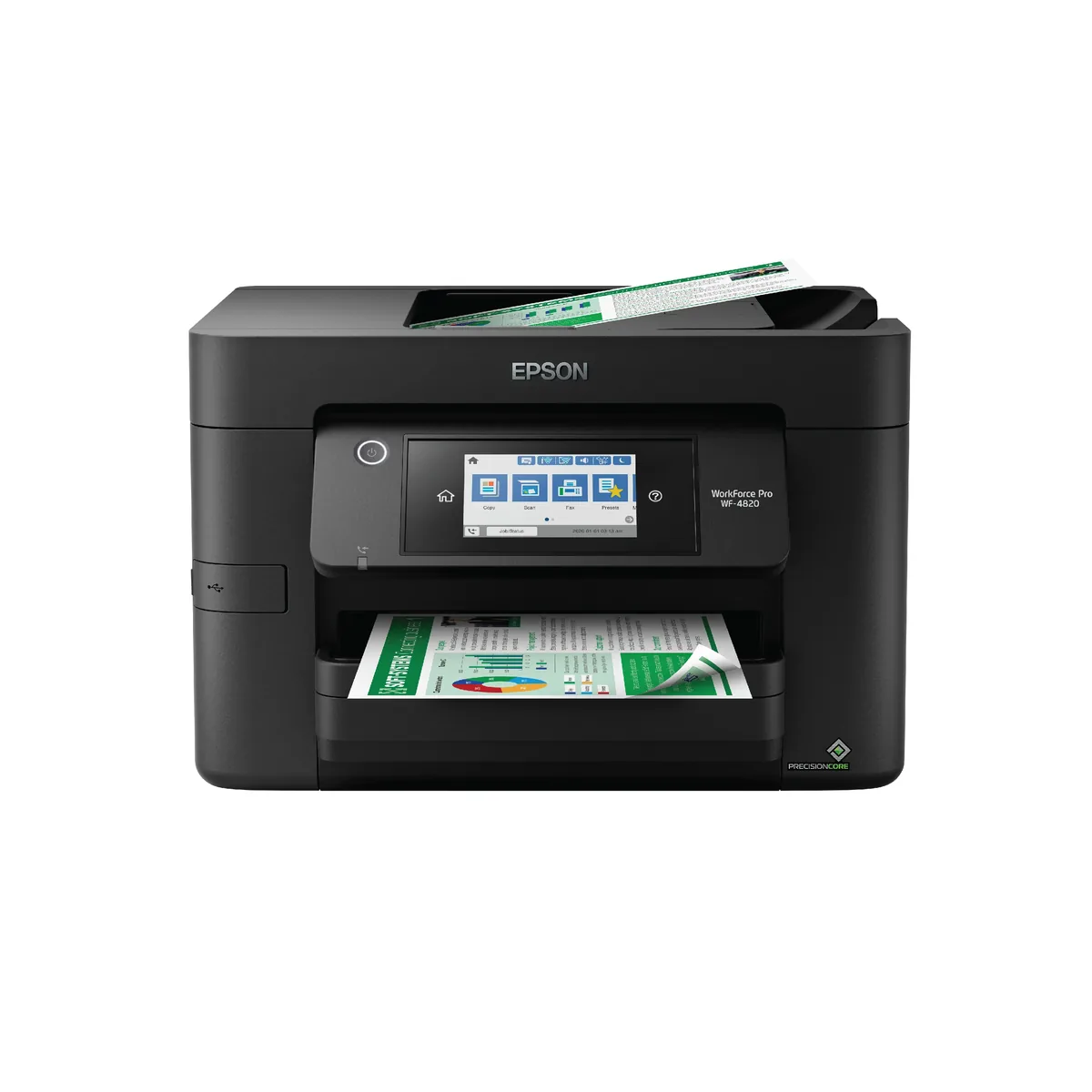
Epson WorkForce Pro WF-4820
Speed is what the WorkForce Pro line sells, and 25 ISO pages a minute in black is genuinely quick for an inkjet — quicker than several of the laser printers in this catalogue. It comes with the office furniture to match: a 250-sheet cassette, a 35-sheet feeder, fax, Ethernet, automatic duplex and a 4.3-inch touchscreen, all for under two hundred dollars. The catch is the business model. This is a cartridge printer, and the purchase price is low because Epson expects to sell you DURABrite cartridges or a ReadyPrint subscription for years. Epson rates the 822XL set at 1,100 ISO pages a cartridge, black or colour, which works out a shade over four cents a mono page — decent for a cartridge machine, and still roughly ten times what the tank printers here charge for the same sheet.
- Approx. price
- ~$199
- Print speed, mono
- 25 ISO ppm
Speed and a full feature set now, with the cartridge bill accepted as the price of it.
marks an estimate. Computed from the consumable's ISO page yield and its list price. An estimate. Purchase price plus ink or toner over the pages shown, assuming four mono pages for every colour page. Price is an approximate snapshot from our last catalogue update.
What it costs to own
- Black consumable
- Epson 822XL black cartridge · 1,100 ISO pages · ~$47.99
- Colour consumable
- Epson 822XL colour cartridges · 1,100 ISO pages · ~$36.99 each
- Cost per mono page
- 4.4¢
- Cost per colour page
- 14¢
- Cost to own, 5,000 pages
- ~$518
- Cost to own, 200 pages/month for 3 years
- ~$658 (7,200 pages)
Computed from the consumable's ISO page yield and its list price. An estimate. How this is worked out
- Epson WorkForce Pro WF-4820~$518~$199 printer + ~$319 supplies
- Epson WorkForce WF-2950~$815~$129 printer + ~$686 supplies
- Canon PIXMA TR8620a~$691~$199 printer + ~$492 supplies
purchase priceink or toner. An estimate: purchase price plus 5,000 pages at each printer’s computed cost per page, assuming 4 mono pages for every colour page. Printers whose consumable price we could not source are left out.
Specifications
Manufacturer-published figures. Cost lines are computed from the consumable figures above and are estimates.
- Approx. price
- ~$199
- Cost to own, 3 years
- ~$658
- Technology
- Piezo inkjet
- Ink system
- Individual cartridges
- Inks
- 4
- Black consumable
- Epson 822XL black cartridge · 1,100 pages
- Colour consumable
- Epson 822XL colour cartridges · 1,100 pages
- Ink subscription
- Epson ReadyPrint
- Print speed, mono
- 25 ISO ppm
- Print speed, colour
- 12 ISO ppm
- Functions
- Print · Copy · Scan · Fax
- Document feeder
- 35 sheets
- Paper capacity
- 250 sheets
- Max paper size
- Legal
- Resolution
- 4800 × 2400 dpi
- Connectivity
- Wi-Fi · Ethernet
- Mobile printing
- AirPrint · Mopria
- Display
- 4.3" colour touchscreen
- Dimensions
- 16.7 × 16.7 × 13.7 in
- Weight
- 21.2 lb
- Released
- 2020
Features
- 25 ISO ppm black, faster than most home laser printers
- 250-sheet cassette with a 35-sheet document feeder
- Automatic two-sided printing
- Fax, Ethernet and dual-band Wi-Fi
- 4.3-inch colour touchscreen
- Pigment DURABrite ink that resists water and highlighter smearing
In its favour
- The fastest inkjet in this catalogue, and faster than several lasers
- A complete office machine — cassette, ADF, fax, Ethernet, duplex — under $200
- Pigment ink does not smear under a highlighter, unlike most dye inkjets
- Large touchscreen makes walk-up copying and scanning straightforward
Against it
- A full set of 822XL cartridges costs about eighty per cent of what the printer costs
- Cartridges, not tanks: the long-run cost is structurally higher than any EcoTank here
- Epson pushes a subscription, which is convenient until you stop printing and keep paying
- The ADF scans one side only
- Bulky for the size of paper it handles
What owners say
Distilled from owner discussions and long-term published reviews
The WorkForce Pro line sells speed, and 25 ISO pages a minute is faster than several lasers in this catalogue — owners upgrading from a budget all-in-one consistently mention it. The pigment ink is the other real advantage: output that survives a highlighter and a damp envelope, which dye inkjets do not.
The pattern in owner discussion is familiar and predictable. People buy it because it is cheap and well-specified, then discover what the cartridges cost, then start looking at tank printers. It is the exact arc that sells EcoTanks, and Epson sells both. If your printing is light, the low purchase price is real value; if it is not, the arithmetic turns against it quickly.
What owners like
- Genuinely fast for an inkjet — owners moving from a cheap all-in-one describe the speed difference as the thing they notice first
- Pigment DURABrite ink does not smear under a highlighter or run when damp, which owners printing forms and labels care about
- A full office feature set — cassette, feeder, fax, Ethernet, duplex, big touchscreen — for well under two hundred dollars
- The 4.3-inch touchscreen makes walk-up copying and scanning straightforward
Common complaints
- It is a cartridge printer, and owners who bought it for the low purchase price describe the ink bill arriving as a shock
- Epson pushes its subscription hard, which owners find as irritating here as HP's equivalent
- The feeder scans one side only
- Large for the paper size it handles
Questions that keep coming up
Why is there no cost per page shown for this printer?
Is the pigment ink actually different?
Should I buy this or an EcoTank instead?
Computed from the consumable's ISO page yield and its list price. An estimate. Owner notes are a summary of what people who own the machine report, not a test result — there is no lab behind this site.
Compare the WF-4820
Related printers
Epson WorkForce WF-2950
- Mono page
- 9.7¢
- Colour page
- 30¢
Canon PIXMA TR8620a
- Mono page
- 7.2¢
- Colour page
- 21¢
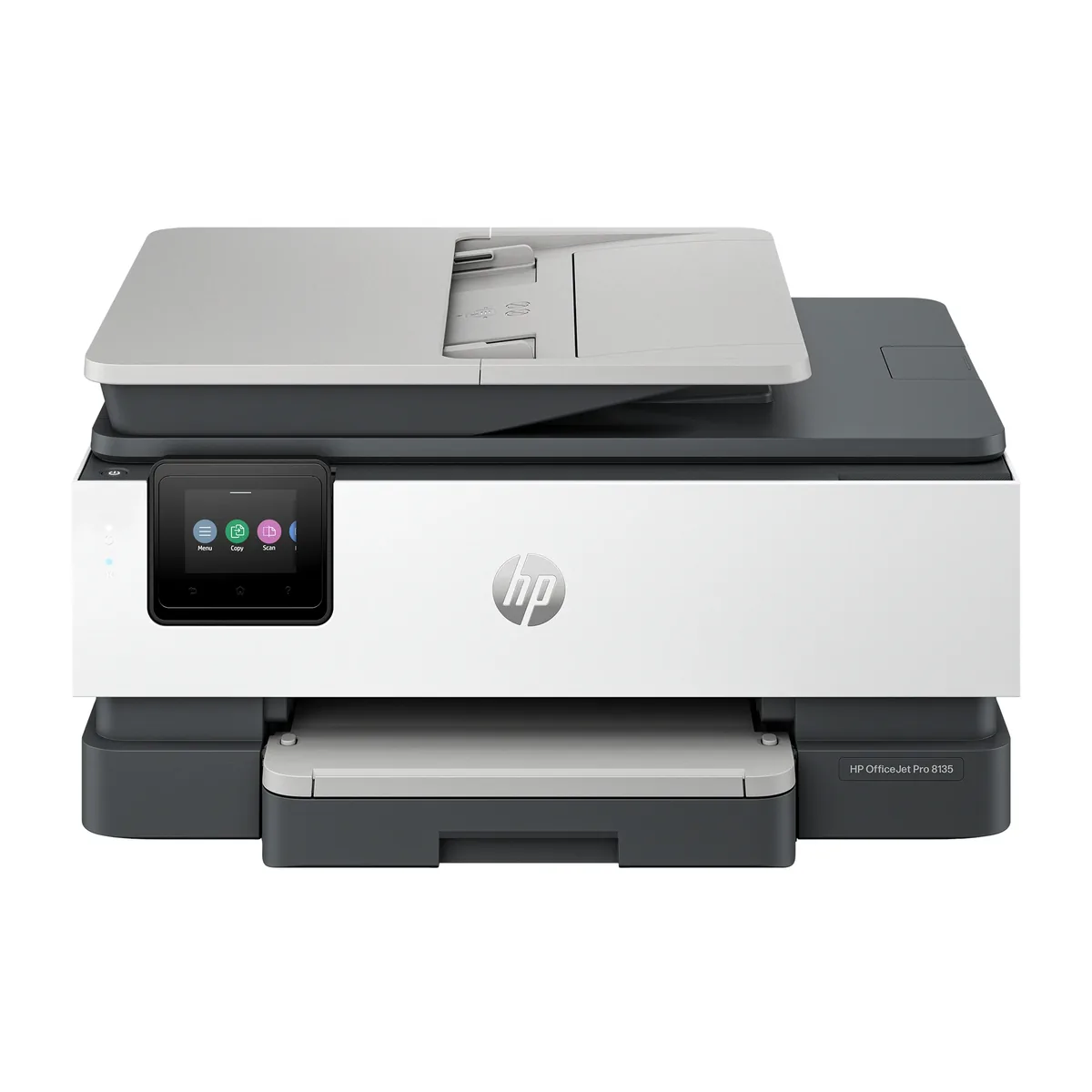
HP OfficeJet Pro 8135e
- Mono page
- 7.3¢
- Colour page
- 22¢